
Digital Signage Installation Boston, MA
Alongside our Video Wall Installation Boston MA work, we install commercial digital signage across the city: lobby screens in Financial District towers, window displays on Newbury Street, wayfinding in Longwood hospitals and menu boards near Fenway. Our crews handle the mounting, cabling, media players and content scheduling, then hand your team a system they can update on their own.
Planning new screens? Book a site walk-through.

How we install digital signage in Boston, MA
A digital sign is three things working together: a display built to run long hours, a media player that stores and plays your content, and software that lets your team decide what shows where and when. We plan all three at once, because a beautiful screen that nobody can update ends up looping last season’s promotion.
Boston buildings make the physical side just as important. A reception screen in a Back Bay brownstone may hang on 19th-century brick behind plaster, while a Seaport lobby display goes on steel studs next to floor-to-ceiling glass. We check what each wall is made of, add backing where the load calls for it, and pick brightness levels that hold up against the light coming through the windows.
Behind each screen we run power and data, usually Cat6 to a network drop or a dedicated signage VLAN, and coordinate any new circuits with your licensed electrician. Players are mounted behind the display or in a nearby closet so nothing is visible, and every cable is labeled and documented.
Once the hardware is up, we set up your content management system, build the first playlists and schedules, and train your staff. From then on, changing a menu price, posting an event or pushing an emergency message takes minutes from a browser.
Our video wall and AV services in Boston, MA
Most projects don’t stop at the wall itself. Here’s everything else our crews handle across the city and the surrounding towns.
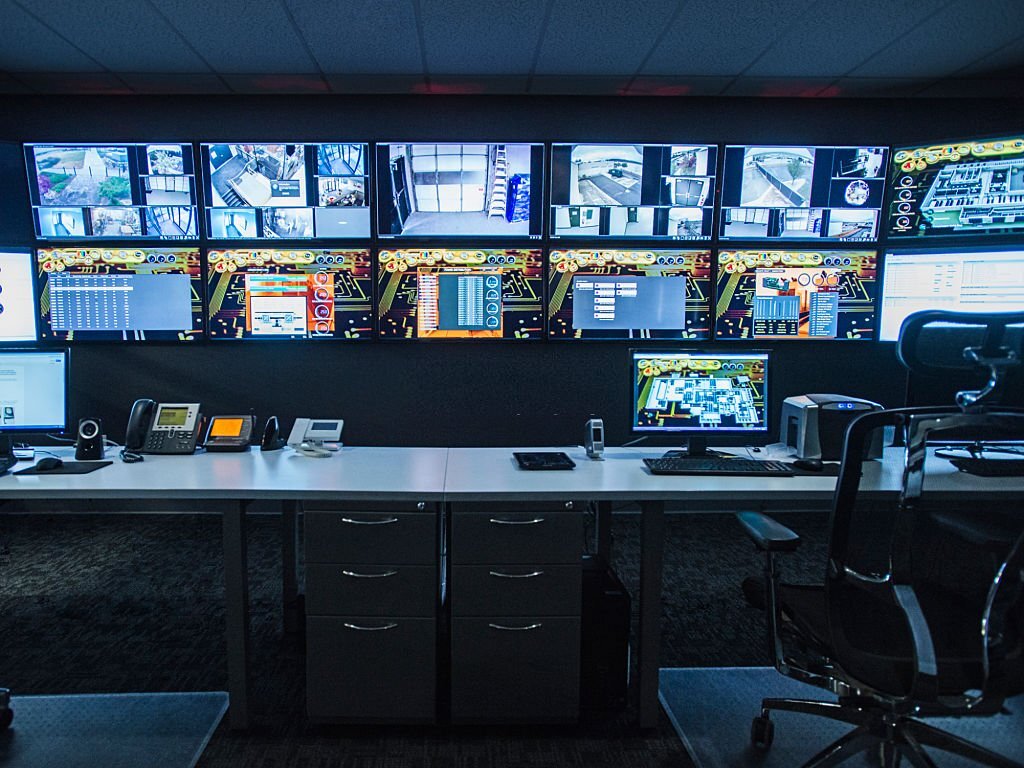
Control Room Display Systems
Operator walls for hospitals, utilities, security teams and trading floors, built with redundant inputs and processors to run around the clock.

AV System Integration
Displays, speakers, microphones and touch-panel control tied together, so a single button sets up the whole room.
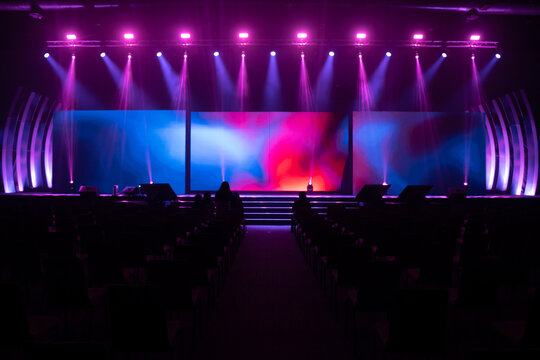
LED Display Rental & Event Setup
Temporary LED walls for conferences, galas and trade shows at venues across the city, delivered, rigged, run and taken down on your schedule.

Structured Network & AV Cabling
Cat6, fiber and low-voltage runs planned around your displays, routed through old-building chases or new ceiling plenums and labeled end to end.
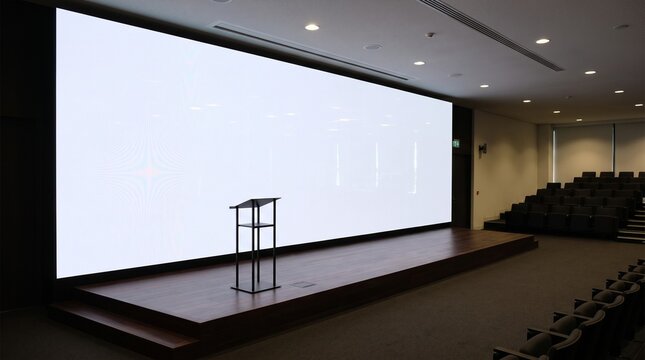
Projector & Projection Screen Install
Ceiling-mounted projectors and fixed or motorized screens for lecture halls, auditoriums and training rooms, aligned and focused on site.
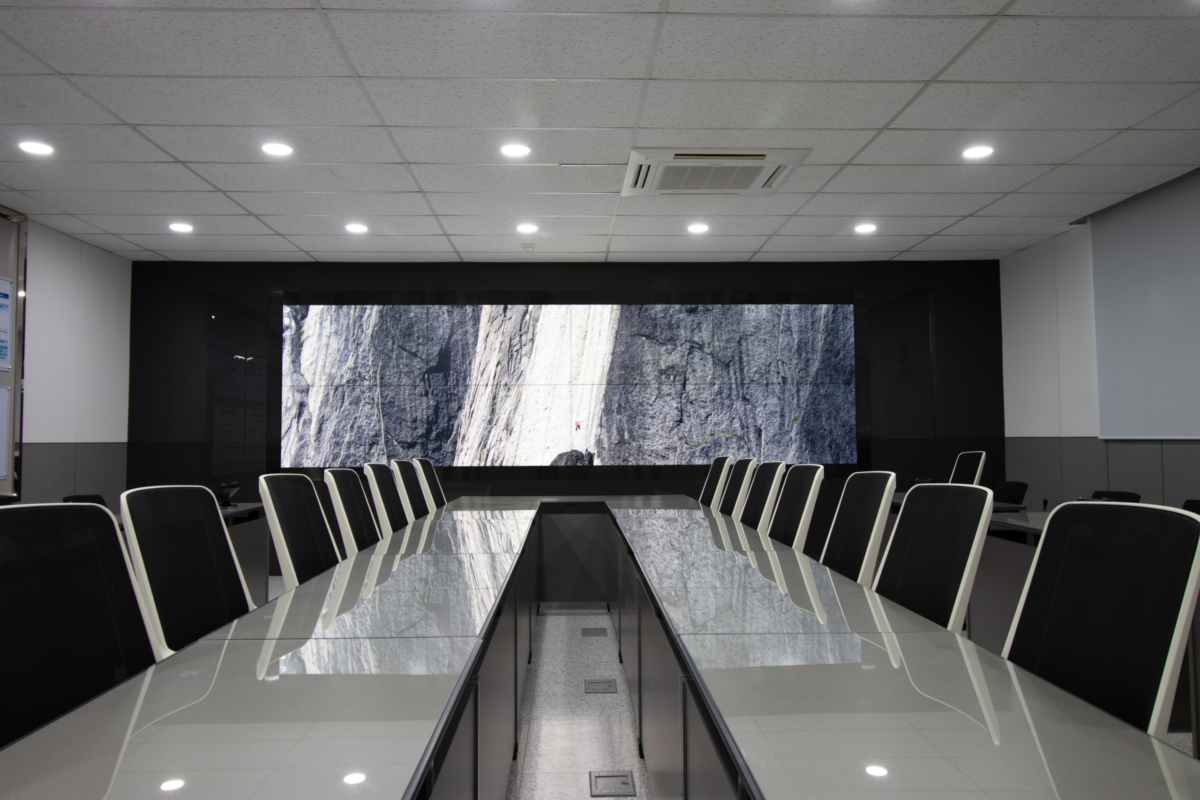
Conference Room AV Solutions
Displays, cameras and conferencing gear for huddle rooms and boardrooms, set up to work with Teams, Zoom and Google Meet.

Video Wall Maintenance & Repair
Recalibration, panel and power-supply replacement, and scheduled service for existing walls, including ones another crew put in.
Digital signage we install across Boston, MA
From one reception screen to hundreds of displays across several sites, these are the jobs that come through our schedule most often:
- Lobby and reception displays for corporate offices
- Storefront window screens on Newbury Street and in Downtown Crossing
- Digital menu boards for restaurants, cafés and food halls
- Hospital and campus wayfinding and directory screens
- Touchscreen kiosks for check-in, ordering and building directories
- Meeting room signs and room-booking panels
- Employee communication screens in break rooms and labs
- Donor walls and interactive displays for museums and nonprofits
- Outdoor and semi-outdoor LED signage rated for New England winters
- Emergency and mass-notification messaging on existing screens
- Multi-site rollouts for retail chains and franchises
- Replacement of consumer TVs with commercial displays
Digital signage specifications for Boston, MA projects
Where the screen sits decides which hardware fits. A display facing a sunny street needs several times the brightness of one in an interior hallway, and a kiosk has to survive constant touching.
| Specification | Indoor commercial display | Window-facing display | Interactive kiosk | Outdoor LED sign |
|---|---|---|---|---|
| Typical sizes | 32″–98″ | 43″–75″ | 22″–55″ touchscreen | Custom, built from LED cabinets |
| Typical brightness | 350–700 nits | 2,500–5,000 nits | 350–500 nits | 5,000+ nits |
| Operating hours | 16/7 or 24/7 rated | 24/7 rated | 16/7 or 24/7 rated | 24/7 rated |
| Mounting | Low-profile or tilt wall mount, ceiling or recessed | Ceiling-hung or floor-standing, screen facing the glass | Floor stand, wall mount or countertop enclosure | Engineered steel structure, IP65-rated cabinets |
| Playback | Built-in player or external media player | Built-in player or external media player | Embedded PC or Android player | Sending and receiving cards with a dedicated controller |
| Connectivity | Wired Cat6, Wi-Fi as backup | Wired Cat6 | Wired Cat6 | Fiber or Cat6 to a weatherproof enclosure |
| Local site notes | Mind glare from large windows in newer towers | Check sign permit and historic district rules before ordering | Plan reach ranges and clear floor space for accessibility | Specify a sub-freezing operating range and protect from snow load and road salt |
Our digital signage installation process
Every project follows the same five steps, whether it is one screen or a building-wide network.
-
Site survey
We walk the space, check wall construction, sightlines, light levels, power and network access, and note any building rules for after-hours work or freight elevators.
-
Design and specification
You get a plan with screen sizes, mounting heights, player choice, cable paths and a recommended content platform, plus a fixed quote.
-
Prep and cabling
We add wall backing where needed, pull Cat6 and low-voltage runs, and coordinate power with your electrician and network setup with your IT team.
-
Mounting and commissioning
Screens are hung level, players installed and locked down, and every display tested for playback, power-on schedules and automatic recovery after an outage.
-
Content setup and training
We load your first playlists and schedules, set user permissions and train your staff, then hand over labeled cabling and as-built documentation.
From content scheduling to network security in Boston, MA
The screen is the visible part. These four areas are what keep a signage network useful after we leave.
Content management and scheduling
We set up a platform that fits how your team works, with playlists by location, dayparting for breakfast and lunch menus, approval steps for multi-department offices, and feeds for news, weather, calendars or dashboards.
Media players and network
Players are configured to boot straight into content, recover from power cuts and report their status. We work with your IT staff on VLANs, firewall rules and device credentials so signage never becomes a weak point on your network.
Accessibility and placement
Wall-mounted screens in walkways are kept to accessibility limits on how far they stick out from the wall, and kiosks are placed with reachable controls and clear floor space. We also plan mounting heights around real viewing distances, not just what looks good on a drawing.
Support and maintenance
After handover, we can monitor players, replace failed hardware and update layouts when your needs change. When signage grows into a larger feature, we can extend it into a full video wall.
Digital signage projects across Boston, MA
Retail, healthcare, education, hospitality and life sciences all use signage differently. These are the kinds of projects we plan for here.
Retail storefronts
High-brightness window displays that stay readable in afternoon sun, scheduled to switch from daytime promotions to evening messaging automatically.
Hospitals and clinics
Wayfinding, waiting-room information and staff communication screens, with emergency messages that can override every display at once.
Restaurants and food halls
Digital menu boards with dayparted menus, so prices and specials can change across every location from one dashboard.
Corporate lobbies
Reception screens, building directories and visitor welcome messages, mounted cleanly in finished and historic interiors.
Universities and colleges
Event listings, dining menus and campus alerts across residence halls, libraries and student centers, managed by several departments with separate permissions.
Biotech and research
Employee communication screens in labs and break areas showing company news, safety reminders and live project dashboards.
Digital signage questions from Boston, MA businesses
Straight answers to what clients ask us most before a signage project.
How long does a digital signage installation take?
A single wall-mounted lobby screen with existing power and data nearby is often finished in a few hours. Projects that need new cabling, wall backing or after-hours access in a managed building usually take one to three days per site, and multi-location rollouts are scheduled site by site.
Do I need a permit for an exterior digital sign in Boston?
Exterior signs in Boston generally need a sign permit from Inspectional Services, and storefronts in historic districts such as Back Bay or Beacon Hill may also need approval from the local architectural commission. Displays placed inside a store window are treated differently in many cases. We help you gather drawings and specifications for the application, but the permit itself is filed by the property owner or tenant.
Can my staff update the content themselves?
Yes. We set up a cloud or on-premises content management system, build playlists and schedules, and train your team to upload and schedule content from a browser, so routine updates never need a service call.
Can you use screens we already own?
Often, yes. Commercial displays rated for long daily operating hours can usually be reused with a new media player. Consumer TVs can show content but are not built for all-day duty cycles, have weaker warranties for commercial use and are hard to lock down, so we will tell you honestly if a replacement makes more sense.
Will the signage players be on our corporate network?
Only if your IT team wants them there. We commonly place media players on a separate VLAN or guest network with outbound-only access to the content platform, and we coordinate firewall rules, device naming and credentials with your IT staff before anything is connected.
Contact our Boston, MA digital signage installers
50 Franklin St, Boston, MA 02110Phone: (978) 783-4632
Email: [email protected]
To get an accurate quote faster, have these ready when you reach out:
- How many screens, and where each one will go, with a photo of each spot
- Wall type: drywall over studs, brick, plaster, concrete or glass
- Whether any screens will face a window or sit outdoors
- Building rules: after-hours work, freight elevator or insurance requirements
- Who will manage content, and any platform you already use
- Your target completion date
Ready to put your message on screen? Talk to our crew today.