
Projector & Projection Screen Install Boston, MA
Alongside our work as Video Wall Installation Boston MA, we install projectors and projection screens for lecture halls, auditoriums, training rooms and houses of worship across the city. Our crews size the image to the room, mount everything solidly to structure, and align and focus each system on site so the picture is sharp and square from every seat.
Need a bigger picture? Book a site walk-through.
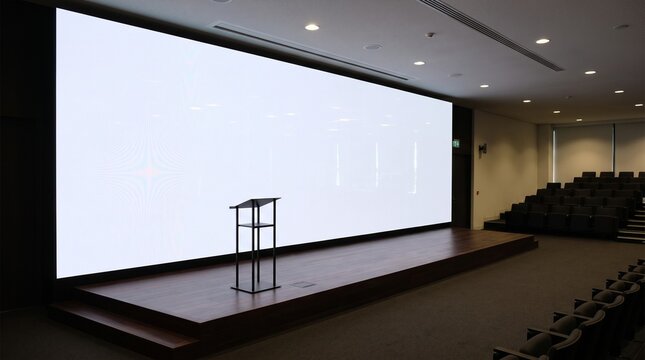
How we install projectors and screens in Boston, MA
Projection is still the most affordable way to put a really large image in front of a room. The catch is that the projector, screen and room have to be planned together. The wrong brightness washes out in daylight, the wrong lens forces a projector into the middle of the ceiling, and the wrong screen height leaves the back rows looking at heads instead of slides.
We start with the room: seating, sightlines, ceiling height, window light and where the projector can actually go. From there we choose screen size and format, projector brightness and lens, and the screen surface, whether that is a standard matte white, a tensioned motorized screen or an ambient-light-rejecting surface for rooms that cannot be darkened.
Boston buildings bring their own challenges. Ornate plaster ceilings in older halls, high vaulted sanctuaries and drop ceilings with nothing solid above them all need different mounting approaches. We always fasten mounts to structure, never to ceiling tile or grid, and run power and signal inside the ceiling or in raceway so nothing hangs loose.
Once installed, every system is aligned, focused and tested with your sources, tied into room control if you have it, and handed over with simple instructions for the people who will use it.
Our video wall and AV services in Boston, MA
Most projects don’t stop at the wall itself. Here’s everything else our crews handle across the city and the surrounding towns.

Digital Signage Installation
Wall screens, kiosks and media players for lobbies, campuses and storefronts, with content scheduling set up so your team can update messages without calling us.
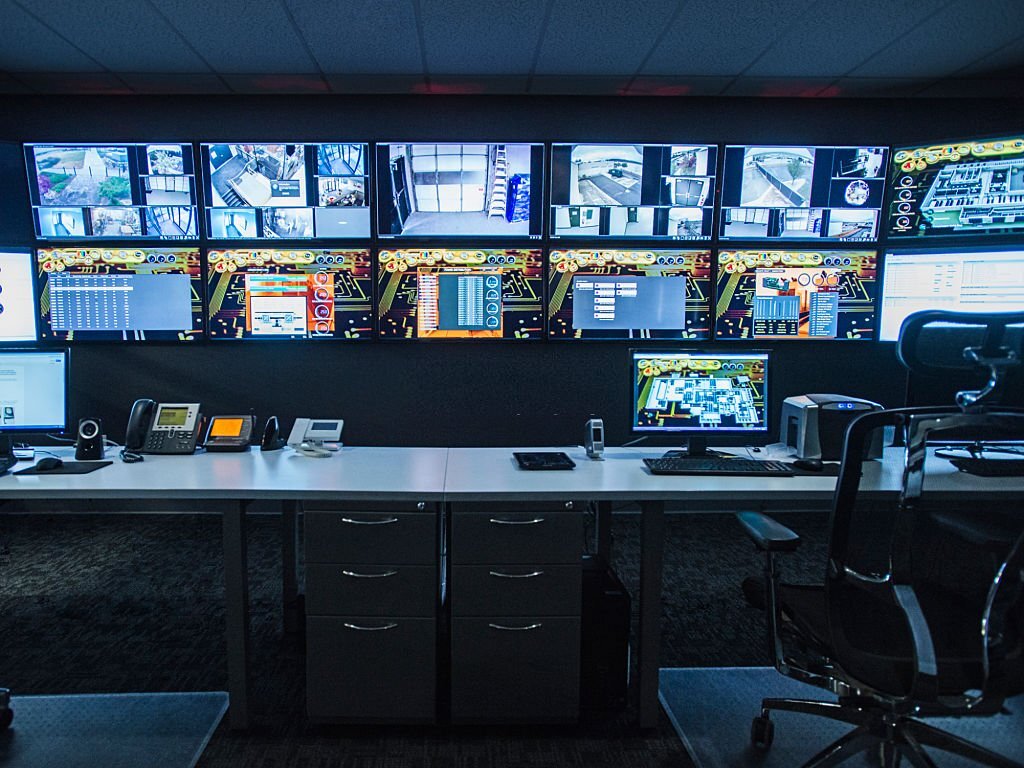
Control Room Display Systems
Operator walls for hospitals, utilities, security teams and trading floors, built with redundant inputs and processors to run around the clock.

AV System Integration
Displays, speakers, microphones and touch-panel control tied together, so a single button sets up the whole room.
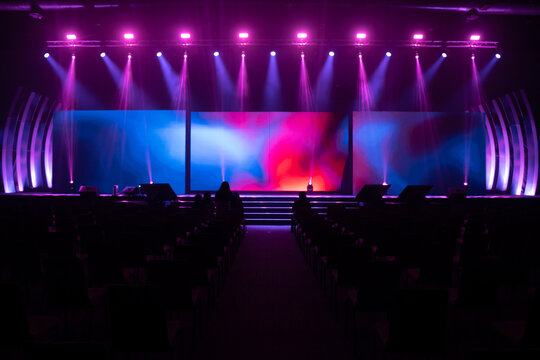
LED Display Rental & Event Setup
Temporary LED walls for conferences, galas and trade shows at venues across the city, delivered, rigged, run and taken down on your schedule.

Structured Network & AV Cabling
Cat6, fiber and low-voltage runs planned around your displays, routed through old-building chases or new ceiling plenums and labeled end to end.
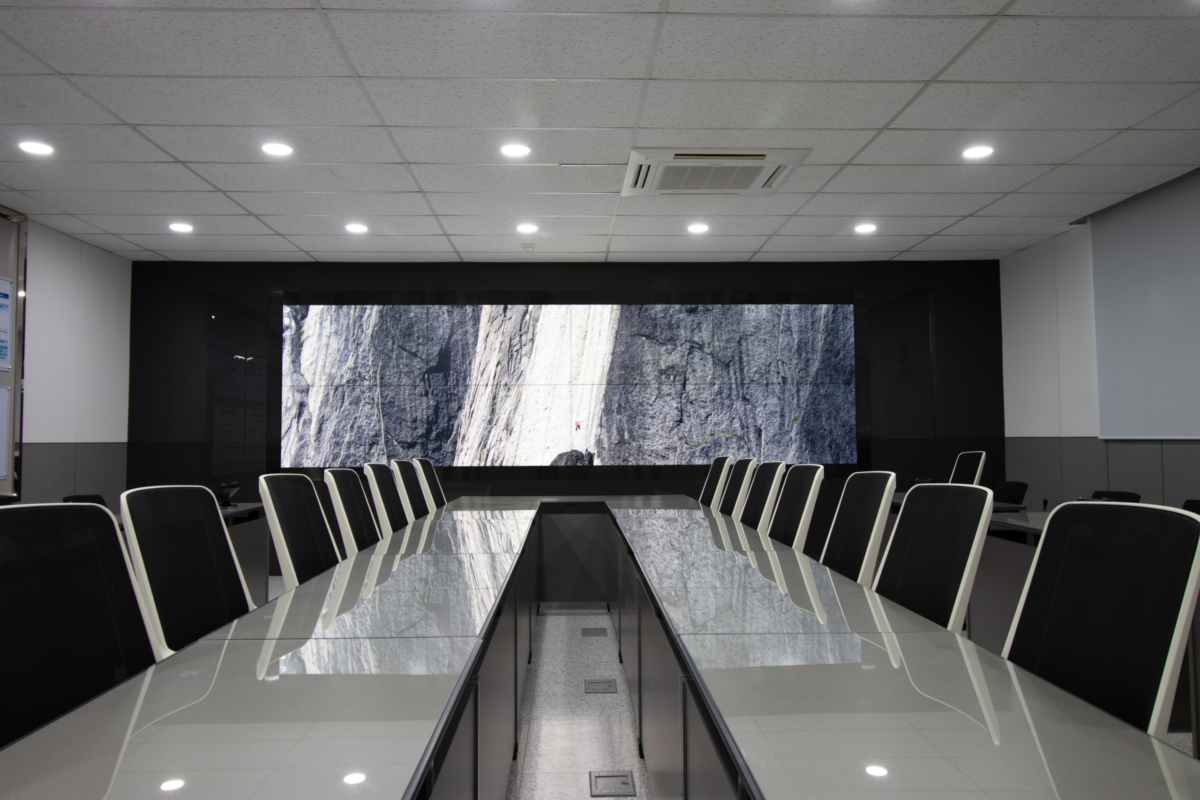
Conference Room AV Solutions
Displays, cameras and conferencing gear for huddle rooms and boardrooms, set up to work with Teams, Zoom and Google Meet.

Video Wall Maintenance & Repair
Recalibration, panel and power-supply replacement, and scheduled service for existing walls, including ones another crew put in.
Projection systems we install across Boston, MA
From a single classroom to a 500-seat auditorium, these are the systems that come through our schedule most often:
- Lecture hall and classroom projectors
- Auditorium and theater projection
- Training and multipurpose room systems
- Conference rooms with retractable screens
- Houses of worship and sanctuary screens
- Ultra-short-throw projection on whiteboards and walls
- Dual-screen and wide-format presentation rooms
- Ambient-light-rejecting screens for bright rooms
- Recessed and ceiling-hidden motorized screens
- Lamp-to-laser projector upgrades
- Projector replacements on existing mounts
- Alignment, focus and color tune-ups for existing systems
Projection specifications for Boston, MA projects
Room size, ambient light and audience distance decide the system. A huddle-sized classroom and a lecture hall share almost nothing beyond the screen.
| Specification | Classroom or small training room | Conference or multipurpose room | Lecture hall or auditorium |
|---|---|---|---|
| Typical image size | 80″–100″ diagonal | 100″–150″ diagonal | 150″ to 20 ft wide and beyond |
| Projector brightness | 3,500–5,000 lumens | 5,000–8,000 lumens | 10,000–20,000+ lumens |
| Projector type | Short-throw or ultra-short-throw laser | Standard-throw laser with lens shift | Large-venue laser with interchangeable lenses |
| Screen | Fixed or wall surface, or a whiteboard | Motorized or tensioned, ALR where rooms are bright | Large fixed-frame or tensioned motorized screen |
| Mounting | Wall arm or short ceiling mount | Structural ceiling mount, recessed screen housing | Heavy-duty ceiling mount, pole or booth shelf |
| Signal and control | HDMI or HDBaseT from a wall plate | HDBaseT with screen trigger and room control | HDBaseT or fiber with full room control integration |
| Local site notes | Tall windows in older schools need shades or ALR | Plan screen housing before the ceiling is finished | Check structure above ornate or vaulted ceilings early |
Our projector installation process
Every project follows the same five steps, whether it is one classroom or a full auditorium.
-
Room survey
We measure the room, seating and sightlines, check the ceiling structure above, and record light levels with the lights on and the shades open.
-
System design
You get screen size and height, projector brightness and lens, throw distance, mounting method and a fixed quote before anything is ordered.
-
Mounting and cabling
We fasten mounts and screen housings to structure, run power, signal and control, and coordinate any new circuits with your licensed electrician.
-
Alignment and focus
The image is squared to the screen with lens shift, edge-aligned, focused corner to corner and checked from the front, back and sides of the room.
-
Testing and handover
Every source and screen control is tested, then we show your staff how to use the system and leave simple instructions at the lectern.
From throw distance to final focus in Boston, MA
A sharp, bright image depends on the decisions made before the projector goes up. These are the four areas every project draws on.
Image sizing and sightlines
We size the image so text on your slides is readable from the last row, and set the screen height so the bottom edge clears the heads in front. In rooms with deep seating, we add a second screen or confidence monitors.
Brightness and screen surfaces
We match projector brightness to the real light in the room, not a brochure number, and choose screen surfaces that keep contrast up. Ambient-light-rejecting screens help where daylight cannot be controlled.
Structural mounting
Projectors and motorized screens are fastened to structure above drop ceilings, plaster or vaults, with safety cables where needed, so they stay aligned for years and never rely on ceiling grid.
Control and integration
Screens drop and projectors power on from one button, tied into room control or a simple wall plate. When a room outgrows projection, the same team can plan a video wall in its place.
Projection projects across Boston, MA
Education, healthcare, worship, business and the arts all rely on large images here. These are the kinds of projects we plan for.
Lecture halls and classrooms
Laser projectors and large screens for teaching spaces, often installed between semesters with consistent controls from room to room.
Hospital auditoriums
Bright, sharp projection for grand rounds and medical education, where fine detail in images and charts needs to read from every seat.
Houses of worship
Sanctuary screens for lyrics, readings and livestream, mounted with care in historic interiors with high or vaulted ceilings.
Training and multipurpose rooms
Retractable screens and laser projectors for corporate training rooms that switch between presentations, workshops and events.
Museums, theaters and galleries
Projection for screening rooms, exhibits and performance spaces, with quiet operation and precise image placement.
Schools and community halls
Durable, easy-to-use systems for school auditoriums, libraries and town meeting rooms, with ultra-short-throw options for classrooms.
Projector questions from Boston, MA organizations
Straight answers to what clients ask us most before a projection project.
Should we choose a projector or a large display or LED wall?
Projection is usually the most cost-effective way to get a very large image, especially above about 100 inches diagonal, and the screen can retract when the wall is needed for something else. Displays and LED walls hold up better in bright rooms and need less upkeep. We compare both for your room before you buy.
How bright does our projector need to be?
It depends on screen size, screen material and how much daylight or room lighting reaches the screen. A dim classroom may need around 4,000 lumens, while a large lecture hall with lights on can need 10,000 or more. We measure the room light during the site survey and size the projector to it.
Can a projector hang from a drop ceiling?
Not from the ceiling tile or grid alone. We support the mount from the structure above with a ceiling plate, threaded rod or pipe, so the projector stays steady and aligned, and we run power and signal inside the ceiling to keep the install clean.
What is an ambient-light-rejecting screen?
An ambient-light-rejecting (ALR) screen uses a surface that reflects light from the projector toward the audience while reducing light from windows and overhead fixtures. It can make a big difference in rooms that cannot be darkened, though it works best with a fixed projector position and specific throw angles.
How much maintenance do modern projectors need?
Laser projectors avoid lamp replacements and are commonly rated for around 20,000 hours, so maintenance is mostly occasional filter cleaning and a focus check. Older lamp-based projectors need new lamps periodically. We can add projector checks to a service plan.
Contact our Boston, MA projector installers
50 Franklin St, Boston, MA 02110Phone: (978) 783-4632
Email: [email protected]
To get an accurate quote faster, have these ready when you reach out:
- Room dimensions, ceiling height and seating count
- Photos of the front wall, ceiling and windows
- Ceiling type: drop ceiling, plaster, open structure or vaulted
- Any existing projector, screen or mount you want to keep or replace
- Building rules: after-hours work, freight elevator or insurance requirements
- Your target completion date
Ready for a sharper, bigger picture? Talk to our crew today.